Choosing the Right Image Format
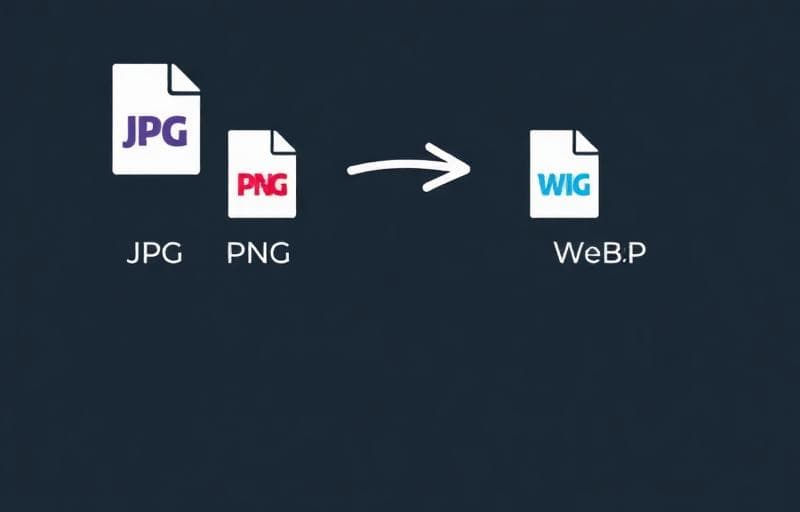
Each image format has its strengths. Choosing the right one can significantly impact your website's performance and visual quality.
Format Comparison
| Feature | JPG | PNG | WebP |
|---|---|---|---|
| Transparency | ❌ | ✅ | ✅ |
| Animation | ❌ | ❌ | ✅ |
| File Size | Small | Large | Smallest |
| Quality | Good | Lossless | Excellent |
| Browser Support | 100% | 100% | 97%+ |
- Photographs and complex images
- Social media uploads
- Email attachments where size matters
- Graphics with transparency (logos, icons)
- Screenshots and UI elements
- Images requiring lossless quality
- Web performance optimization
- Replacing both JPEG and PNG on modern sites
- Progressive loading experiences
Quick Conversion with Fluranto
We offer dedicated conversion tools for the most common transformations:
- JPG to PNG — add transparency support
- PNG to JPG — reduce file size for photos
- PNG to WebP — modern web optimization
- WebP to JPG — maximum compatibility
- WebP to PNG — lossless conversion
image conversion
webp
png
jpg