Blur Images Instantly
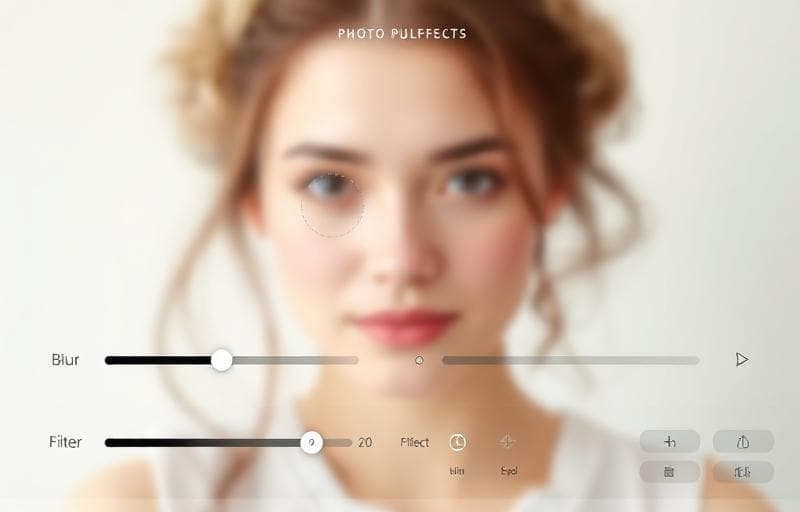
Blur is essential for privacy (hiding sensitive info), design (creating backgrounds), and artistic effects.
How to Blur with Fluranto
Use Cases
- Privacy: Blur faces, license plates, or personal information
- Backgrounds: Create soft, out-of-focus backgrounds for text overlay
- Design: Create frosted glass effects
- Screenshots: Hide sensitive data before sharing
FAQ
Can I blur just part of an image?The current tool applies blur to the entire image. For selective blur, crop the area first.
Is the blur reversible?No — blur is a destructive operation. Always keep your original file.
What blur algorithm is used?Gaussian blur — the industry standard for natural-looking blur effects.
Probar Desenfocar imagen
Aplica efectos de desenfoque.
blur
privacy
background
design