Why Beautiful Screenshots Matter
A plain screenshot says "quick capture." A beautiful screenshot says "professional." Whether you're sharing on Twitter, building documentation, or creating a portfolio — presentation matters.
Screenshot Beautifier
The Screenshot Beautifier is your all-in-one tool for stunning screenshots:
- Gradient backgrounds — choose from dozens of presets or create custom gradients
- Padding & shadows — add depth and breathing room
- Rounded corners — soften harsh edges
- Captions — add titles and descriptions
- Watermarks — brand your screenshots
Device Mockups
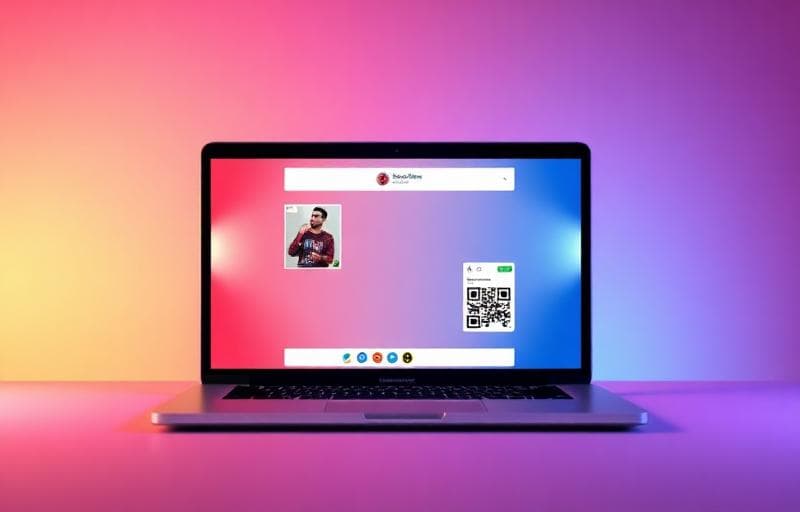
Want to show your app in context? The Screenshot Mockup tool places your screenshot inside realistic device frames:
- MacBook Pro
- iPhone
- iPad
- Browser window
- Android devices
Background Customization
The Screenshot Background tool offers:
- Solid colors
- Linear and radial gradients
- Mesh gradients
- Noise textures
- Custom patterns
Annotations
Need to highlight something? The Screenshot Annotate tool adds:
- Arrows and lines
- Rectangles and circles
- Text labels
- Blur/redact sensitive areas
- Numbered callouts
Best Practices
screenshot
beautifier
mockup
social media