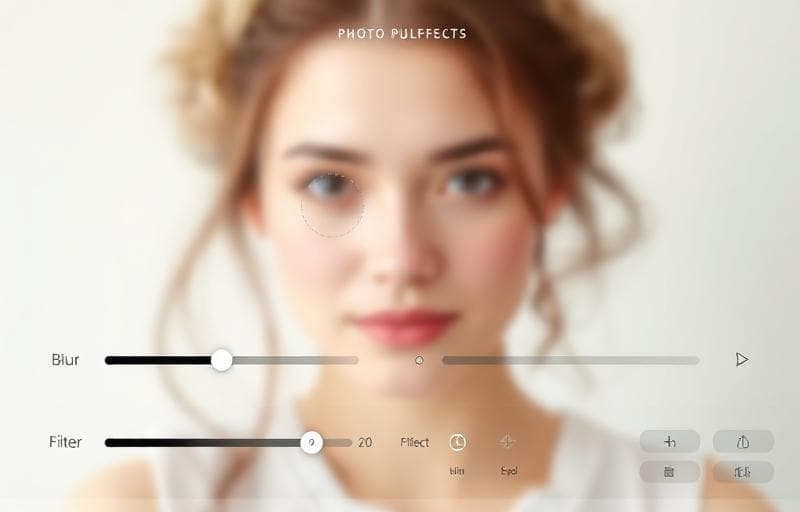
Professional Image Effects Without Photoshop
You don't need expensive software for common image effects. Fluranto offers browser-based tools that deliver professional results in seconds.
Blur
The Blur Image tool applies Gaussian blur:
- Adjustable blur intensity
- Full image or selective blur
- Great for creating backgrounds from photos
- Privacy: blur faces or sensitive information
Sharpen
The Sharpen Image tool enhances detail:
- Adjustable sharpening strength
- Recovers soft images from camera phones
- Makes text in screenshots more readable
Grayscale
The Grayscale Image tool converts color images to black and white:
- Instant one-click conversion
- Creates elegant, timeless aesthetics
- Reduces visual complexity
- Great for printing
Add Borders
The Add Border tool frames your images:
- Solid color borders
- Custom border width
- Corner radius options
- Multiple border styles
Add Background
The Add Background tool places your image on a colored backdrop:
- Solid colors
- Perfect for product photos
- Consistent backgrounds for catalogs
Canvas Expander
The Canvas Expander tool extends your image canvas:
- Add space on any side
- Choose the fill color
- Perfect for creating padding around images
- Useful for adjusting aspect ratios without cropping
Combining Effects
For the best results, chain multiple effects:
Each tool preserves your image quality, and since everything runs in your browser, processing is instant.
blur
sharpen
grayscale
filters
image effects