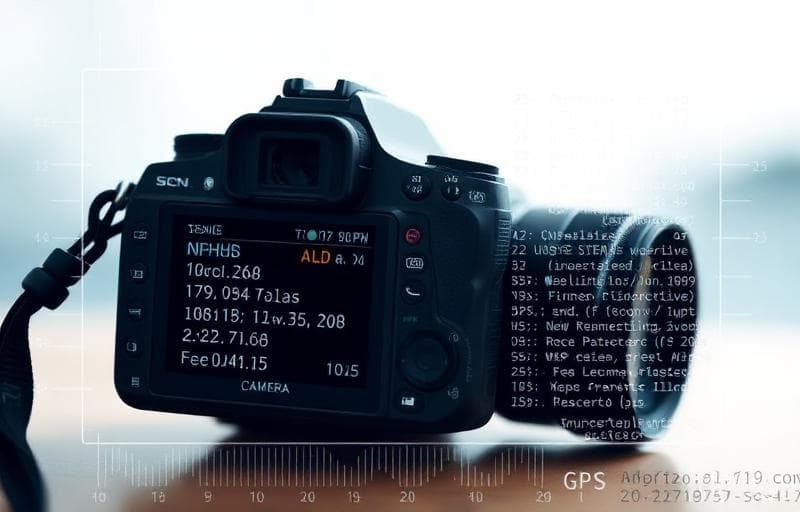
Why Remove Image Metadata?
Every photo you take contains hidden data — GPS coordinates, camera model, date/time, and more. This metadata can reveal your location and habits.
What's in Image Metadata?
- GPS coordinates — exact location where the photo was taken
- Date and time — when the photo was captured
- Camera/phone model — device information
- Camera settings — aperture, shutter speed, ISO
- Software — editing history
- Thumbnails — embedded preview images
How to Remove Metadata with Fluranto
View Metadata First
Curious what's in your image? Use the Image Metadata Viewer to inspect all embedded data before removing it.
FAQ
Does removing metadata change the image?No — only invisible metadata is removed. The image looks identical.
Should I remove metadata before sharing online?Yes — especially if the photo contains GPS data. Social platforms sometimes strip metadata, but not always.
Does this work with screenshots?Yes — screenshots also contain metadata (device, OS, timestamp).
Prova Rimuovi metadati
Rimuovi EXIF e metadati dalle immagini.
metadata
exif
privacy
security