Barcodes: A Practical Guide
Barcodes are the backbone of inventory management, retail, and logistics. Understanding which format to use and how to generate them saves time and prevents errors.
Common Barcode Formats
| Format | Use Case | Characters |
|---|---|---|
| EAN-13 | International retail products | 13 digits |
| UPC-A | North American retail | 12 digits |
| Code 128 | Shipping, logistics | Alphanumeric |
| Code 39 | Industrial, military | Alphanumeric |
| ITF-14 | Outer packaging | 14 digits |
| EAN-8 | Small products | 8 digits |
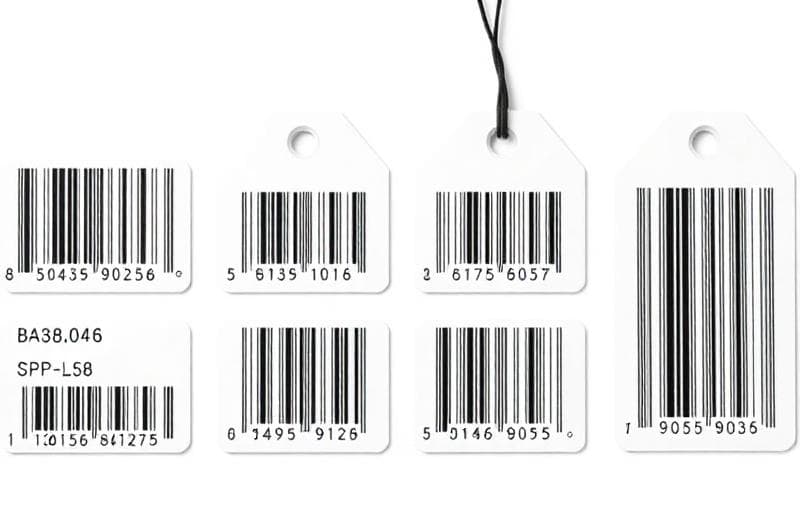
The Barcode Generator supports multiple formats:
Best Practices for Printing
- Minimum size: Never print barcodes smaller than the format's minimum size
- Quiet zones: Leave white space on both sides of the barcode
- Contrast: Always use dark bars on a light background
- Test scanning: Always scan a printed barcode before mass production
- Resolution: Print at 300 DPI minimum for reliable scanning
When to Use QR Codes vs Barcodes
Use barcodes when:- Working with existing retail/inventory systems
- You need fast, single-line scanning
- Data is numeric or short alphanumeric
- Encoding URLs or long text
- Users will scan with smartphones
- You need error correction for rough surfaces
barcode
inventory
retail
shipping