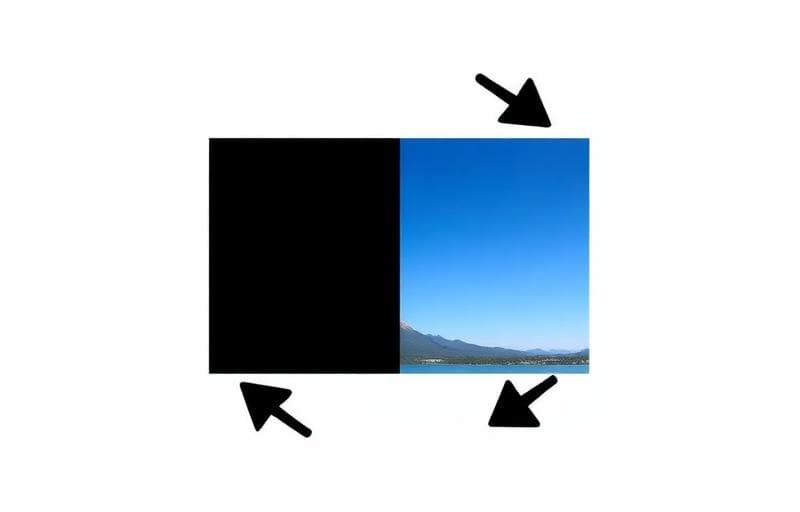
Fix Image Orientation in Seconds
Took a photo sideways? Need a mirror image? Rotating and flipping images are the simplest edits but surprisingly hard to do without the right tools.
Rotating Images
The Rotate Image tool lets you:
- 90° clockwise — fix sideways photos
- 90° counter-clockwise — the other sideways
- 180° — upside-down correction
- Custom angle — any degree of rotation
Flipping Images
The Flip Image tool offers:
- Horizontal flip — creates a mirror image (left becomes right)
- Vertical flip — flips upside down
- Create mirror effects for design compositions
- Fix selfie mirror effect (text appears backwards)
- Create symmetrical designs from one half
EXIF Orientation
Modern cameras store orientation data in EXIF metadata. Some apps read this data, others don't — causing the same photo to appear differently across platforms.
Solution: Rotate with Fluranto and use Remove Image Metadata to strip EXIF data. This ensures consistent display everywhere.Batch Processing
Need to rotate multiple images? Upload them one at a time — each takes just seconds to process and download.
rotate
flip
image orientation
photo editing