See What's Hidden in Your Images
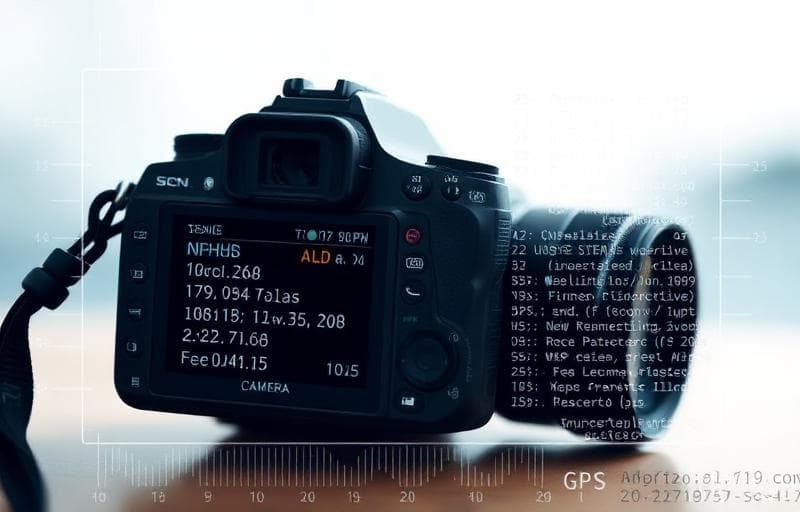
Every digital image contains metadata — hidden information about when, where, and how the photo was taken.
How to View Metadata with Fluranto
What You'll Find
- Basic info: dimensions, file size, format
- Camera data: model, lens, settings
- Location: GPS coordinates (if available)
- Timestamps: creation and modification dates
- Software: editing history
FAQ
Does viewing metadata upload my image?No — for this viewer, processing runs in your browser; we don't upload your image to our servers for this step.
Want to remove this data?Use the Remove Image Metadata tool to strip all metadata.
Do all images have metadata?Most camera and phone photos do. Screenshots and graphics have less. Some social platforms strip metadata on upload.
Proberen Metagegevens bekijken
Bekijk EXIF-gegevens en afbeeldingsinfo.
metadata
exif
viewer
info