Remove Unwanted PDF Pages
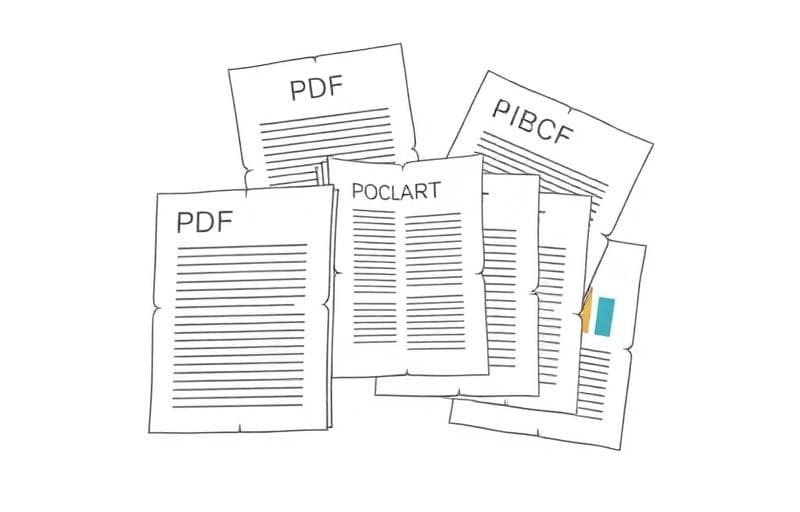
Delete unnecessary pages — cover sheets, blank pages, or irrelevant sections.
How to Delete Pages with Fluranto
FAQ
Can I undo deleted pages?No — but your original file isn't modified. Re-upload it to start over.
Can I delete multiple pages at once?Yes — select all pages you want to remove, then process in one click.
Need to reorder instead?Use Reorder PDF Pages to rearrange without deleting.
Experimentar Eliminar páginas PDF
Remova páginas de um PDF.
delete
pdf
remove
pages