Flip & Mirror Images
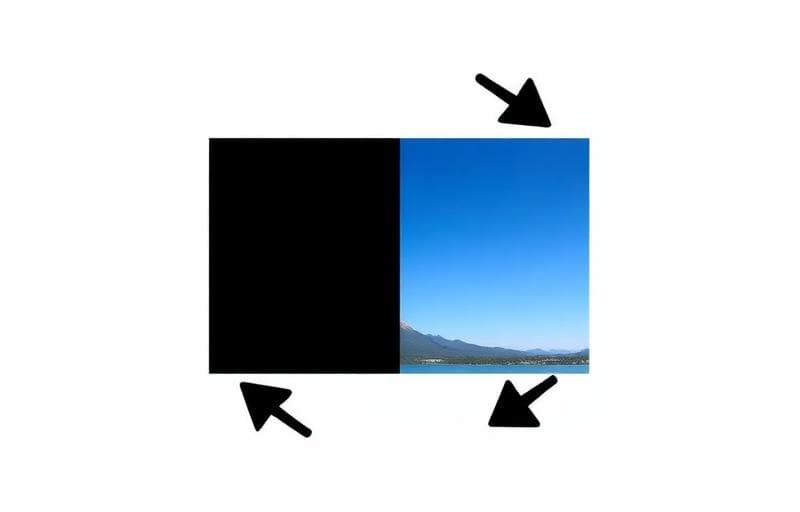
Flipping creates a mirror image — horizontally (left-right) or vertically (top-bottom).
How to Flip with Fluranto
Use Cases
- Fix selfie mirror effect — selfies are mirrored by default
- Create design symmetry — mirror elements for balanced layouts
- Print transfers — flip images for iron-on transfers
- Correct scanned documents that were fed backwards
FAQ
Does flipping reduce quality?No — flipping is a lossless operation that simply rearranges pixels.
Can I flip and rotate together?Yes — flip your image first, then use Rotate Image to rotate.
What's the difference between flip and rotate?Flip mirrors the image. Rotate turns it around a center point.
Experimentar Virar imagem
Vire imagens horizontal ou verticalmente.
flip
mirror
image
reflection