Create Device Mockups
Place your screenshots inside device frames for professional presentations.
How to Use
Available Frames
- Browser — Chrome-style window frame
- iPhone — latest iPhone mockup
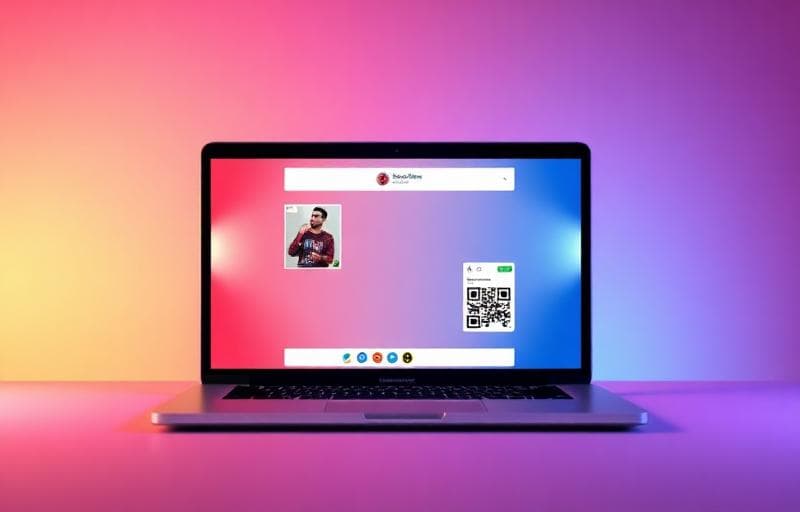
- MacBook — laptop mockup
- iPad — tablet mockup
FAQ
Can I change the background behind the device?Yes — choose solid colors, gradients, or transparent backgrounds.
What resolution should my screenshot be?Match the device's native resolution for best results (e.g., 1170×2532 for iPhone 14 Pro).
Need simpler beautification?Use Screenshot Beautifier for quick backgrounds and shadows without device frames.
Experimentar Mockup de capturas
Coloque capturas em molduras de dispositivos.
screenshot
mockup
device
frame