Expand Your Image Canvas
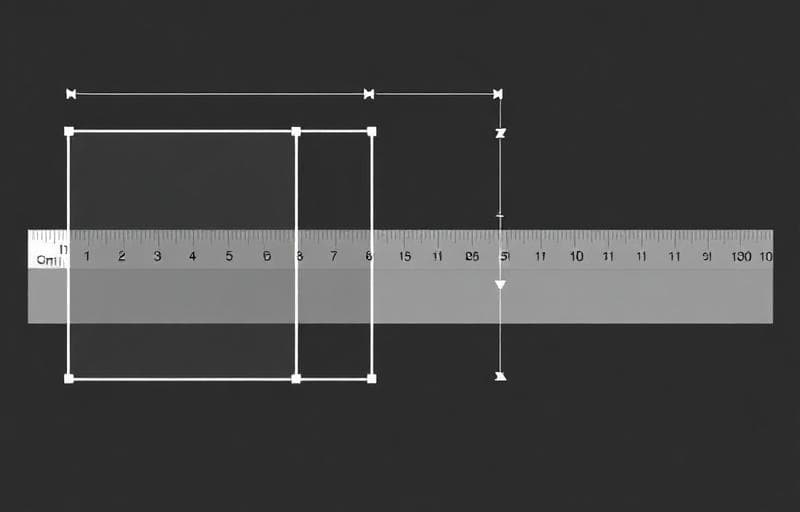
Add space around your image without scaling or cropping the content. Perfect for adjusting aspect ratios or adding breathing room.
How to Use the Canvas Expander
Use Cases
- Adjust aspect ratios without cropping
- Add padding for social media or presentations
- Create space for text or logos
- Match required dimensions without distorting
FAQ
What's the difference from resize?Resize scales the image content. Canvas expander adds space around it without touching the original pixels.
Can I expand one side only?Yes — use alignment options to push content to one side and expand the opposite.
试用 扩展画布
扩大图片周围画布。
canvas
expand
padding
resize