Create Device Mockups
Place your screenshots inside device frames for professional presentations.
How to Use
Available Frames
- Browser — Chrome-style window frame
- iPhone — latest iPhone mockup
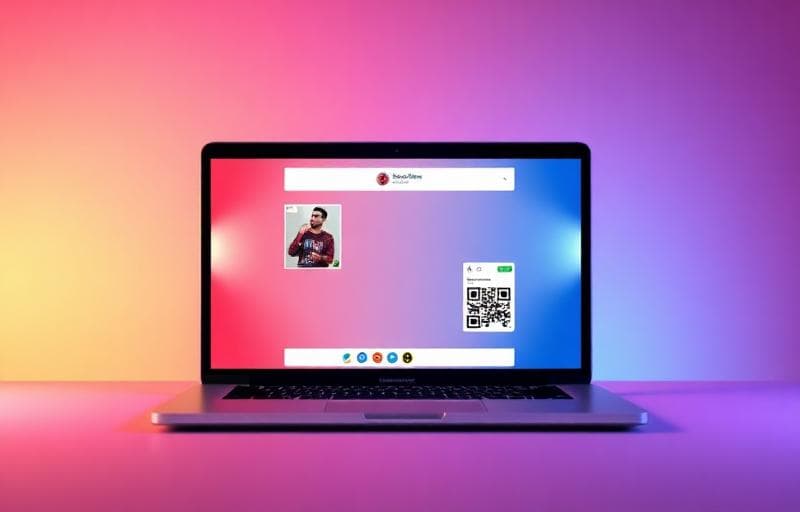
- MacBook — laptop mockup
- iPad — tablet mockup
FAQ
Can I change the background behind the device?Yes — choose solid colors, gradients, or transparent backgrounds.
What resolution should my screenshot be?Match the device's native resolution for best results (e.g., 1170×2532 for iPhone 14 Pro).
Need simpler beautification?Use Screenshot Beautifier for quick backgrounds and shadows without device frames.
试用 截图样机
将截图放入设备框。
screenshot
mockup
device
frame