Turn Images into PDFs
Combine photos, scans, or screenshots into a single PDF document.
How to Convert with Fluranto
Use Cases
- Scanned documents — combine multi-page scans
- Photo portfolios — create shareable PDF albums
- Receipts — bundle receipt photos into one PDF
- Reports — combine charts and screenshots
FAQ
How many images can I combine?No artificial limit — add as many as your device can handle.
Can I choose the page size?Yes — A4, Letter, or fit to image dimensions.
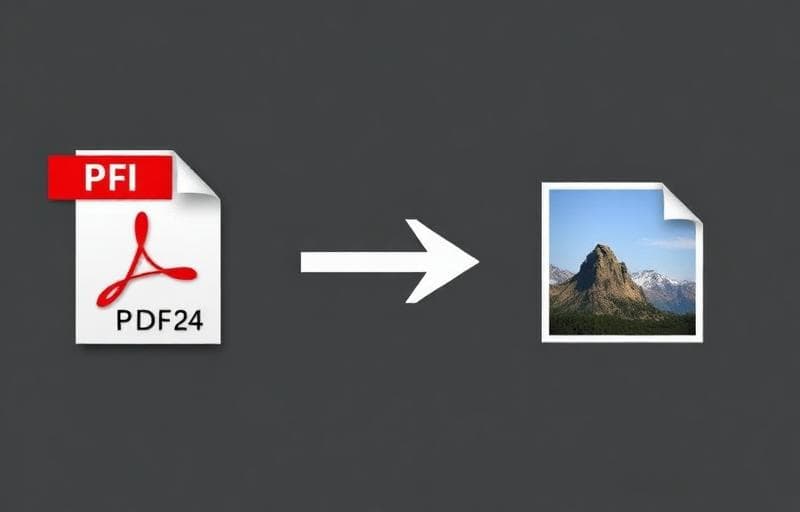
Need the reverse?Convert PDF pages to images with PDF to Image.
Try Image to PDF
Convert images to PDF documents.
image
pdf
convert
photos