Why Compare Text?
When documents go through multiple revisions, tracking changes becomes critical. A diff tool shows you exactly what changed between two versions.
Use Cases
- Code reviews — compare before/after edits
- Contract revisions — spot changed clauses
- Content editing — track writing changes
- Configuration files — find unexpected changes
- Translations — verify completeness
Using the Text Diff Checker
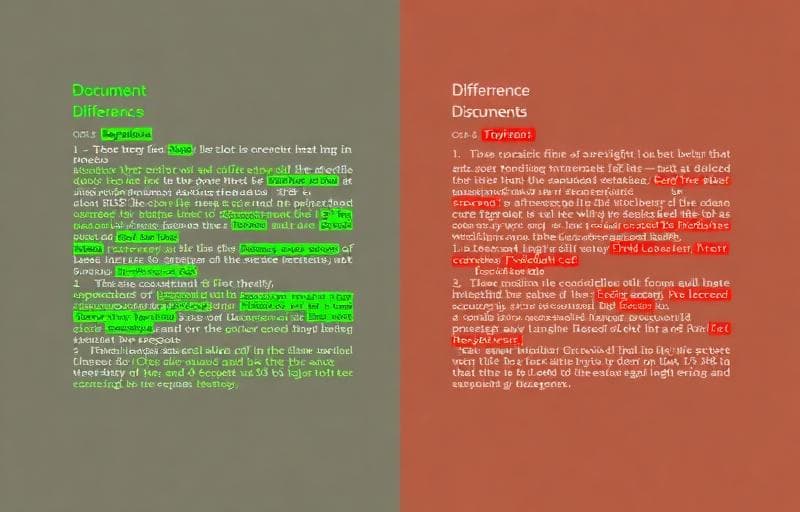
The Text Diff Checker highlights differences:
- 🟢 Green — additions (new text)
- 🔴 Red — deletions (removed text)
- 🟡 Yellow — modifications (changed text)
Line-by-Line vs Word-by-Word
Line-level diff shows which lines changed — great for code and structured text. Word-level diff highlights individual word changes within lines — better for prose and documents.Tips for Accurate Comparisons
- Normalize whitespace first with Remove Extra Spaces
- Sort lines with Sort Lines when comparing unordered lists
- Remove empty lines with Remove Empty Lines to focus on content
- Trim whitespace with Trim Whitespace to avoid false positives
Beyond Text Comparison
For find-and-replace operations, use the Find and Replace tool to make targeted changes across your text.
diff
compare
text comparison
documents