Choose the Right Image Format
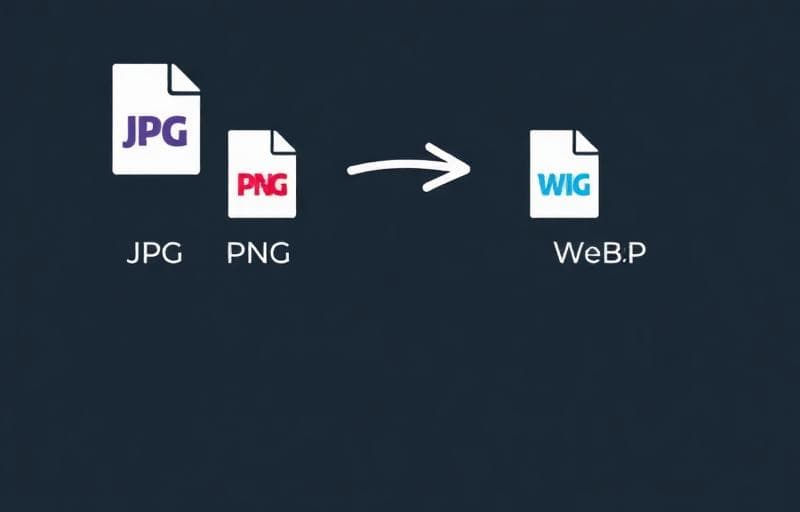
Each format has strengths. Converting between them optimizes your images for different use cases.
Format Comparison
| Format | Best For | Transparency | File Size |
|---|---|---|---|
| JPG | Photos | No | Smallest |
| PNG | Graphics, screenshots | Yes | Larger |
| WebP | Everything (modern) | Yes | 25-35% smaller than JPG |
Or use dedicated converters:
When to Convert
- JPG → PNG: When you need transparency or lossless quality
- PNG → JPG: To reduce file size for photos
- Any → WebP: For modern web optimization (25-35% smaller)
- WebP → JPG/PNG: For compatibility with older systems
FAQ
Does conversion lose quality?Converting to JPG is lossy (slight quality loss). PNG and WebP (lossless mode) preserve quality.
Can I convert multiple images at once?Yes — upload a batch and convert all at once.
Is WebP supported everywhere?All modern browsers support WebP. For older browsers, use JPG/PNG as fallback.
Wypróbuj Konwertuj obraz
Konwertuj między formatami obrazów.
convert
jpg
png
webp
format