Converting Between PDF and Images
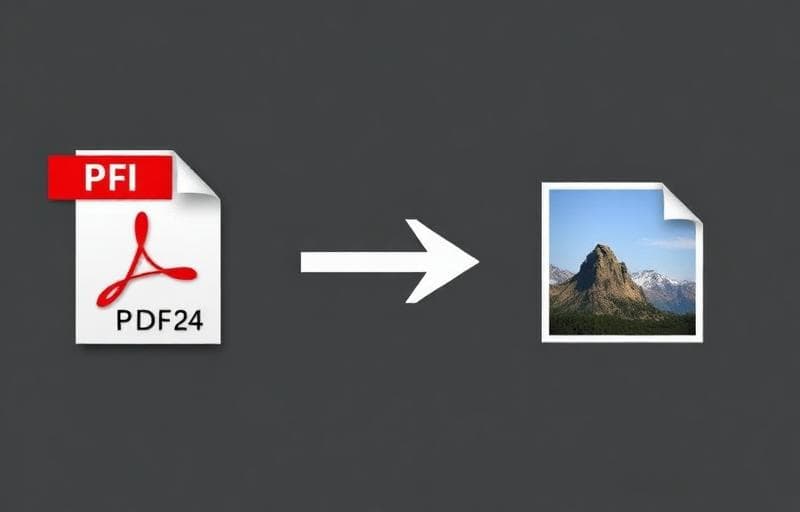
Need a PDF as images for a presentation? Or want to combine photos into a single PDF? These are two of the most common file conversion tasks.
PDF to Image
The PDF to Image tool converts each PDF page into a high-quality image:
- Output formats: PNG (lossless) or JPG (smaller files)
- Quality control: Adjust DPI for the perfect balance of quality and size
- Batch export: All pages at once or selected pages only
- Share PDF content on social media
- Insert PDF pages into presentations
- Create thumbnails for document previews
- Archive documents as images
Image to PDF
The Image to PDF tool combines images into a single PDF:
- Create photo albums
- Combine scanned pages into one document
- Build portfolios
- Submit multi-page applications
Tips for Best Quality
PDF → Image:- Use PNG format for text-heavy PDFs (sharper text)
- Use JPG for photo-heavy PDFs (smaller files)
- Set DPI to 150 for screen, 300 for print
- Use the highest resolution images available
- Keep consistent orientation across images
- Compress images first if the PDF is too large
Compress After Converting
Both conversions can produce large files. Use Compress PDF or Compress Image to optimize the output for sharing or uploading.
Privacy & Security
All conversions happen in your browser. Your files never leave your device — making this one of the safest conversion methods available.
pdf
image
conversion
jpg
png