博客
技巧、指南与教程,助您更好地使用文件和工具。
任务指南
查看全部指南- Check WCAG Contrast for Accessible Text
- Create Favicon PNGs from Your Logo
- 为印刷和品牌物料生成灰度图像
- 为印刷与审批资料将 WebP 转为 PNG
- 为遗留 CMS 与旧邮件客户端将 WebP 转为 JPG
- 按平台规范裁剪商品图片
- 为目录将商品放在一致的背景上
- 为社交媒体尺寸准备图片
- 让简报图片更轻、更稳
- 从图片提取品牌颜色以保持一致性
- 为品牌与 UI 从照片构建调色板
- 发布前修复侧向照片
- 在分享照片前移除EXIF元数据
- 压缩图片,让网页加载更快
显示 170 个指南中的 14 个。 打开 指南索引 或分类聚合页:
20 篇s 分类: PDF
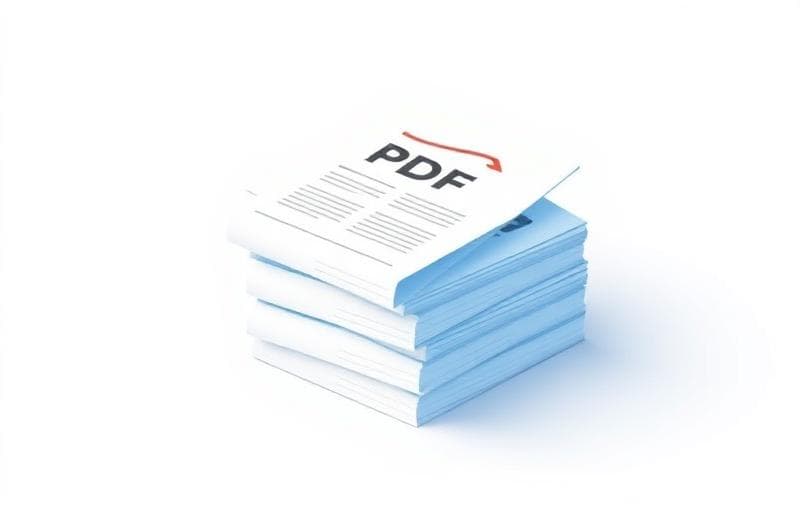
How to Merge PDF Files Online — Fast, Free & Secure
Step-by-step guide to combining multiple PDF documents into one file using free online tools. No installation required, works in your browser.
How to Split, Extract & Delete PDF Pages — No Software Required
Complete guide to manipulating PDF pages: split documents, extract specific pages, and delete unwanted pages using free online tools.
How to Protect, Watermark & Sign PDFs Online for Free
Secure your PDF documents with password protection, watermarks, and digital signatures. Complete guide to PDF security using free browser tools.
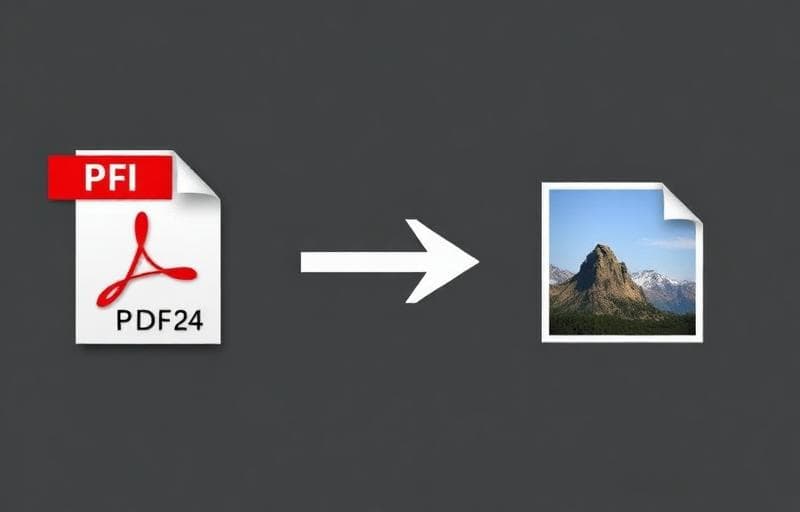
PDF to Image & Image to PDF: Complete Conversion Guide
Convert PDFs to high-quality images and combine images into PDF documents. Step-by-step guide with tips for best results.
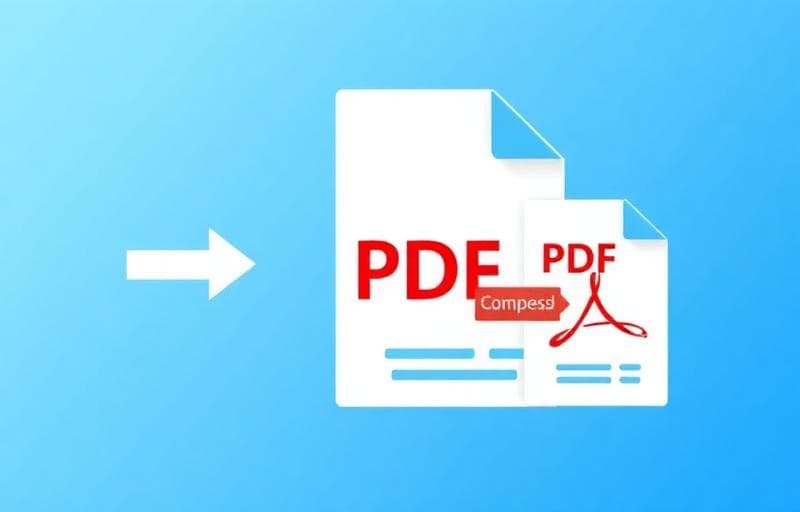
How to Compress PDF Files: Reduce Size Without Losing Quality
Shrink large PDF files for email, upload limits, and faster sharing. Learn PDF compression techniques and best practices.
How to Merge PDF Files Online — Combine Multiple PDFs Into One
Combine multiple PDF documents into a single file. Drag to reorder, no file limits, and completely free. Your files stay private.
How to Split a PDF Into Separate Files Online
Split a PDF document into multiple files by page ranges. Extract chapters, sections, or individual pages — free and private.
How to Extract Specific Pages from a PDF Online
Pull out specific pages from any PDF document. Select individual pages or ranges and save as a new PDF — instantly, in your browser.
How to Delete Pages from a PDF Online — Free Tool
Remove unwanted pages from any PDF document. Delete cover pages, blank pages, or irrelevant sections instantly in your browser.