QR Codes Are Everywhere
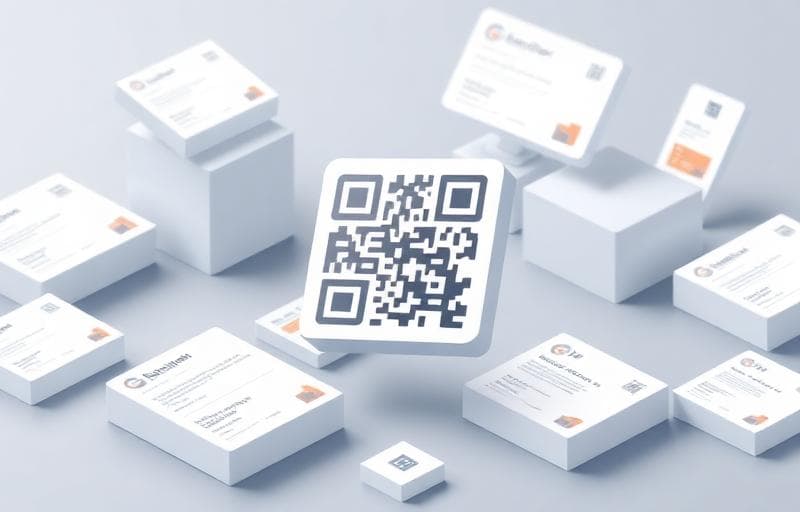
From restaurant menus to product packaging, QR codes have become an essential tool for bridging the physical and digital worlds.
Popular Business Uses
- Restaurant menus — reduce printing costs, update instantly
- Business cards — share contact info with a scan
- Product packaging — link to manuals, videos, or warranty registration
- Event tickets — streamline check-in processes
- Marketing materials — track campaign engagement
- Wi-Fi sharing — let guests connect without typing passwords
Creating QR Codes with Fluranto
Our QR Code Generator makes it simple:
Best Practices
Do:- ✅ Test your QR code on multiple devices before printing
- ✅ Use high error correction for printed materials
- ✅ Include a call-to-action near the code ("Scan for menu")
- ✅ Ensure the linked page is mobile-friendly
- ❌ Make QR codes too small (minimum 2cm × 2cm for print)
- ❌ Place them on curved surfaces
- ❌ Link to non-mobile-friendly pages
- ❌ Use low contrast colors
QR Code Error Correction
QR codes have built-in error correction that allows them to work even when partially damaged:
| Level | Recovery | Best For |
|---|---|---|
| L (Low) | ~7% | Digital screens |
| M (Medium) | ~15% | General use |
| Q (Quartile) | ~25% | Printed materials |
| H (High) | ~30% | Outdoor/rough conditions |
qr code
business
marketing